Restaurant and cafe websites that turn a search into a visit.
Your menu as real text that reads well on a phone, hours that are right, a reservation or order button, and directions. We write and build the one-page website first, you look at it live, and it is $500 only if you keep it.
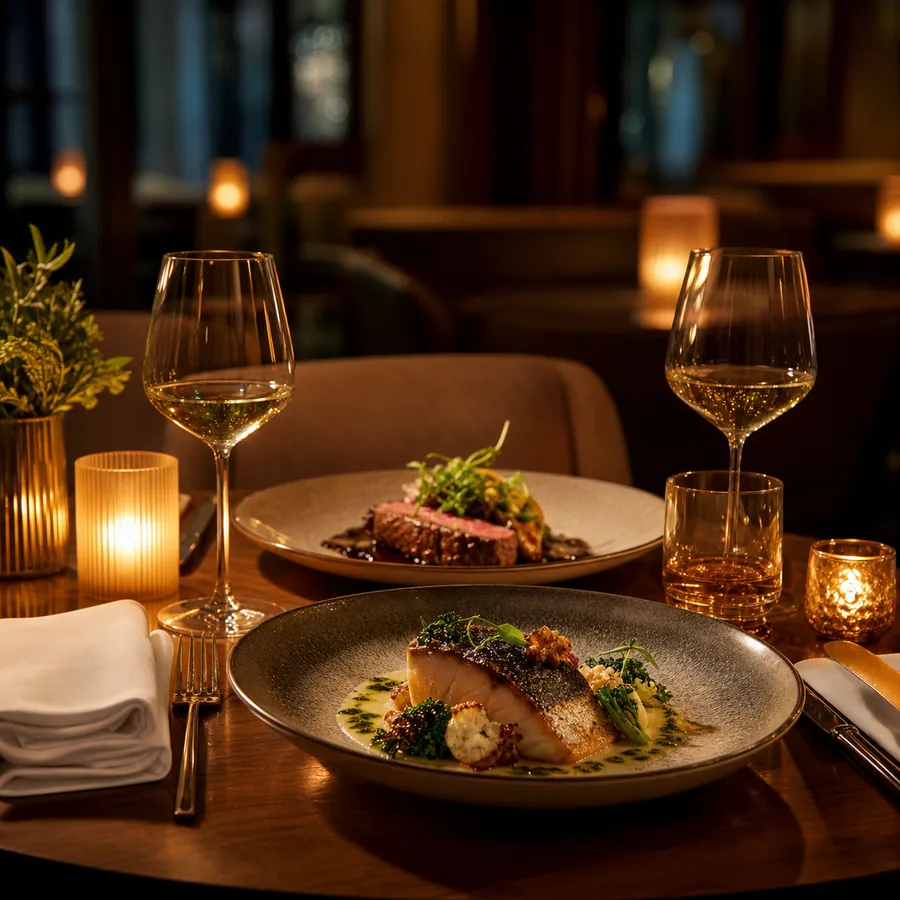
What a restaurant website has to do.
People on a restaurant's website usually want one of four things: the menu, the hours, a table or directions. Everything else comes second.
A menu people can read on a phone
Real text, not a PDF or a photo of the printed menu. Text loads fast, reads properly on a small screen, and search engines can read it, so a search for a dish you make can lead to you.
Hours that are right today
Wrong hours cost more than no website. Regular hours, holiday hours and patio season, kept the same on your site and your Google Business Profile.
One button for a table or an order
If you take reservations, the button opens your reservation system. If you do takeout, it opens your ordering page. Ordering through your own link can save the delivery app's cut: Uber Eats Canada lists a 20% delivery fee on its Lite plan.
Directions and parking
Address, a map, the nearest parking and transit, and whether the entrance is accessible. It saves a phone call.
The room and the food
Your own photos of the dining room, the bar and the plates people come back for. A good phone photo in daylight beats a stock picture.
Groups and private events
If you host groups, a short section with capacity and a request form turns a question into a booking.
Menu rules, if they apply
Ontario's menu labelling law applies to chains with 20 or more locations in the province, and it covers online menus that show prices and take orders. A single independent restaurant is not covered.
Your page, top to bottom.
A typical one-page restaurant or cafe website.
- First screen
- Your name, the kind of food, today's hours and one button: reserve, order or call.
- Menu
- The full menu in text, grouped the way you serve it, with prices and dietary notes.
- Hours and location
- Hours, holiday changes, address, map, parking and transit.
- The room
- A few photos of the space and the dishes you are known for.
- Reviews
- Real reviews from your Google profile, quoted word for word.
- Groups and events
- Capacity, set menus if you have them, and a request form.
- Footer
- Phone, address, hours and social links again, because people scroll to the bottom for them.
From your details to a finished page.
What you send
Your name, your menu (a photo of it is fine), your hours, your address, a few photos of the room and the food, and your reservation or ordering link if you have one. About ten minutes, by message or email.
What you get
A finished one-page website with the menu typed out, the words written and the phone version checked, sent as a live link. Usually ready to review within 3 business days of getting your details and content.
Then you decide
Keep it and the one-page website is $500, then we connect your address and it goes live. Pass, and there is nothing to pay. No call, no chasing.
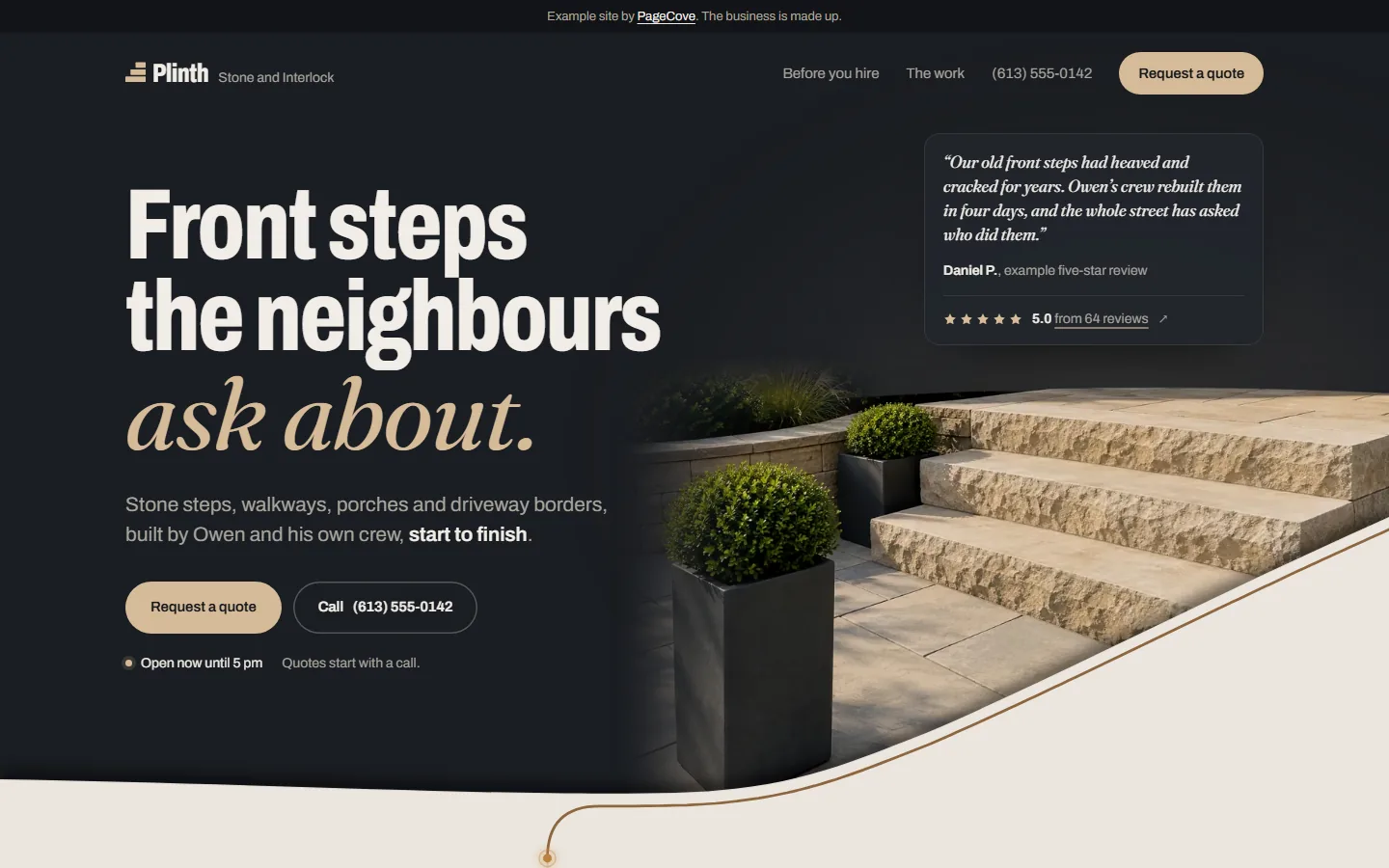
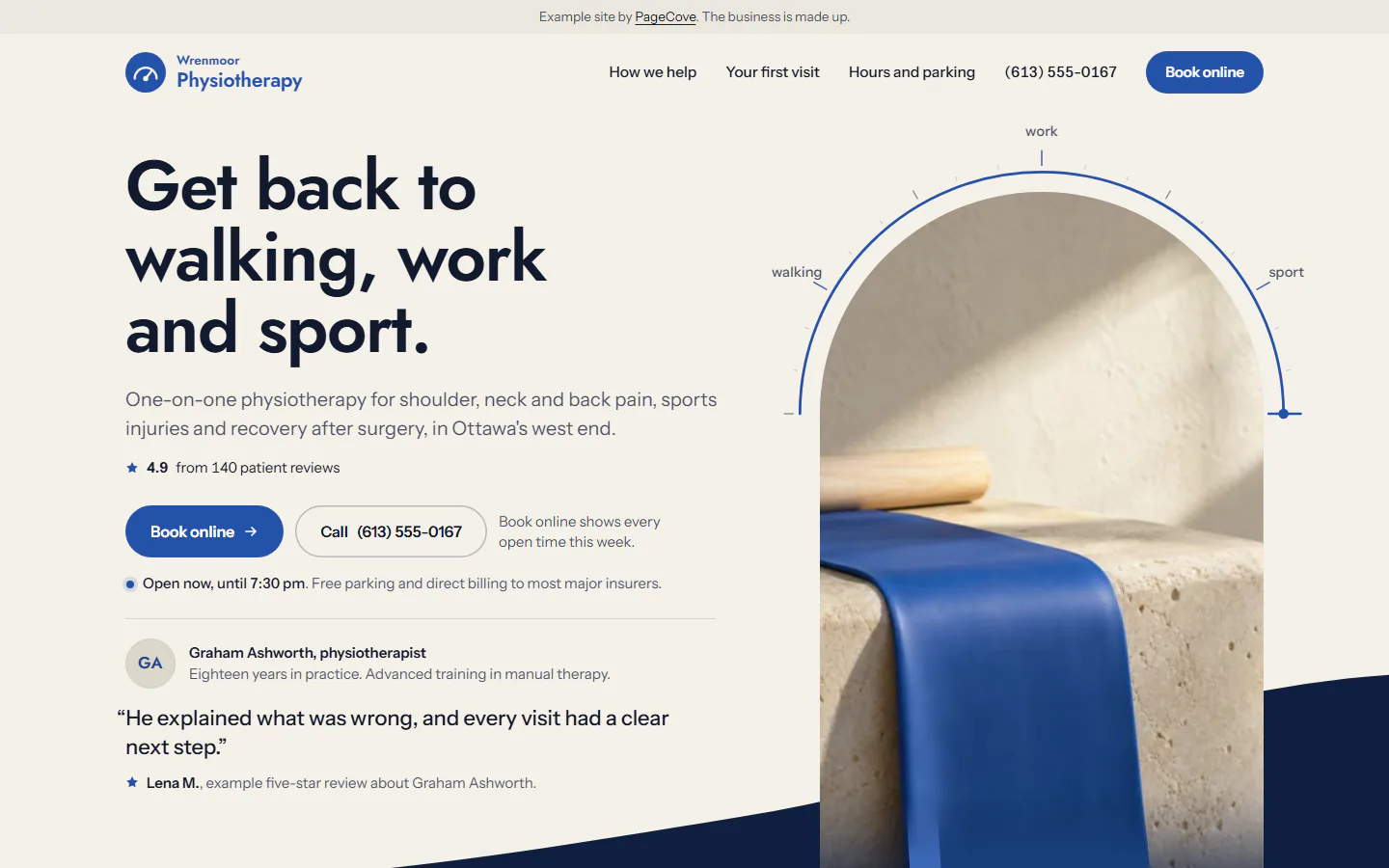
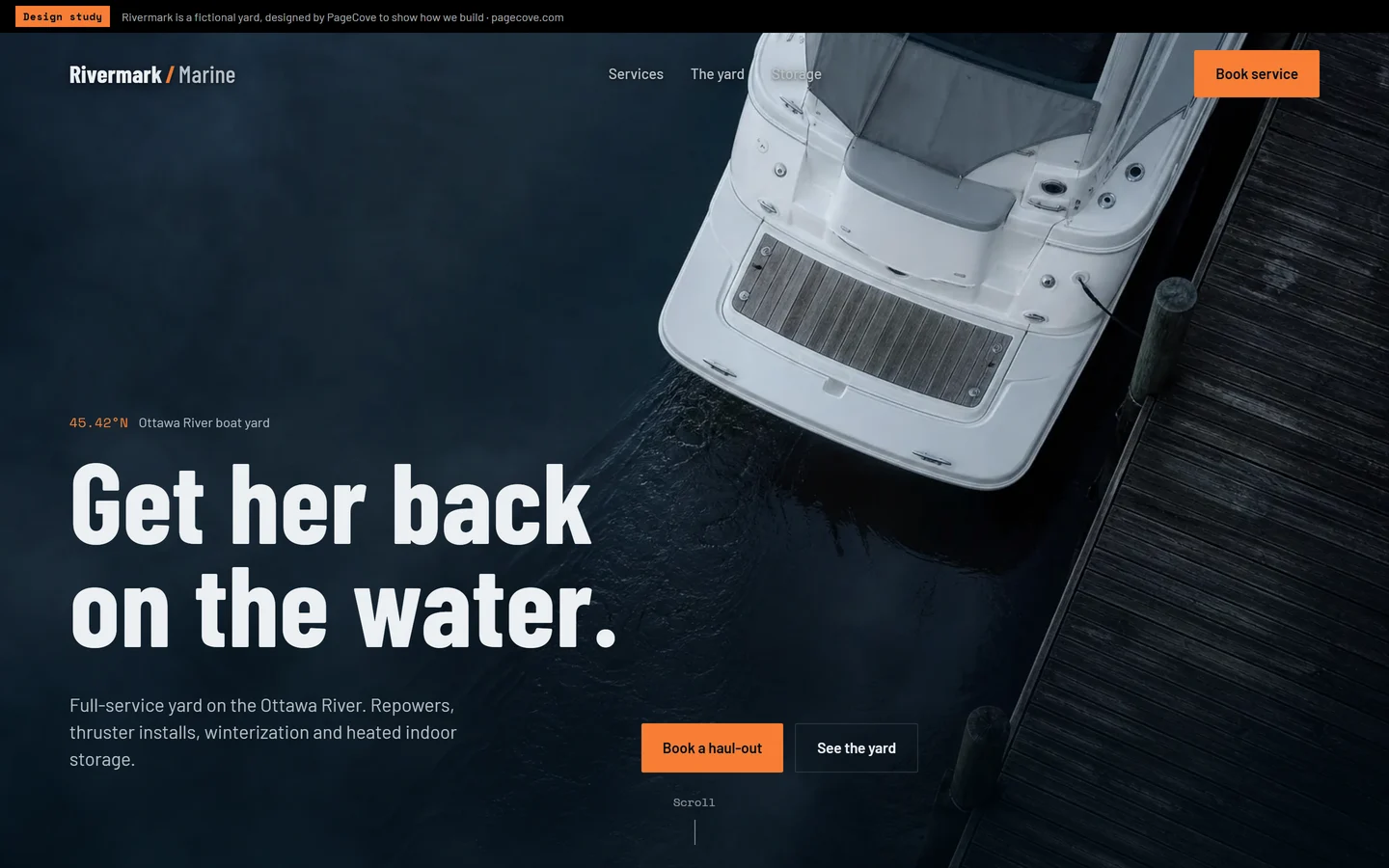
Example pages we built.
Three pages we built for made-up businesses, to show the standard. Yours is built around your own menu, room and reviews.
What it costs.
- A one-page website is $500 CAD, one time. No deposit. You review it finished, then pay once you approve it, before it goes live.
- A website of up to 8 pages is $2,500 CAD. You see a finished one-page demo first, then a 50% deposit starts the full build and the balance is due at launch. Bigger sites are quoted up front.
- Care is $79 CAD a month, or $790 a year, for hosting, security updates and everyday edits. Optional.
- You own it. Once it is paid, the site, its code and your domain are yours.
Most restaurants and cafes fit on one page. Separate pages for each menu, catering and private events are the website of up to 8 pages. With the care plan, menu and hours changes are a message away.
Questions
Should my menu be a PDF?
No. A PDF is slow on a phone, hard to read and hard for search engines to read. A text menu on the page does all three better, and changing a price is a quick edit.
Can people reserve or order from the site?
Yes, through the system you already use. The button opens your reservation or ordering page. If you don't use one yet, your phone number and a request form work fine to start.
How much does a restaurant website cost?
With PageCove, a one-page website is $500 and a website of up to 8 pages is $2,500, and you see it finished before you pay.
Who updates the menu and hours?
With the care plan, at $79 a month, you send the change and it is usually live within a couple of business days. Holiday hours are the classic one: send them a week ahead.
Do I need a website if I'm on Google Maps and Instagram?
Those help people find you. The website is where they check the menu and decide, and it is the one place you control completely: your words, your photos and your booking link, with nothing in between.
Do you build cafe and bakery websites too?
Yes. Same idea, different first screen: what is fresh today, your hours and where to find you. Cafes usually fit on one page.
Can the site link to my delivery apps?
Yes. Many places put their own ordering link first and the delivery apps after it, because orders through your own link do not carry the delivery app's commission.
Give your business a clear place online.
Tell us what you do and what the site needs to do. Start with a finished one-page demo before you commit.